- Support Knowledge Base Page
- Content Manager
- User Interface
Workgroups
View And Manage Workgroups
View
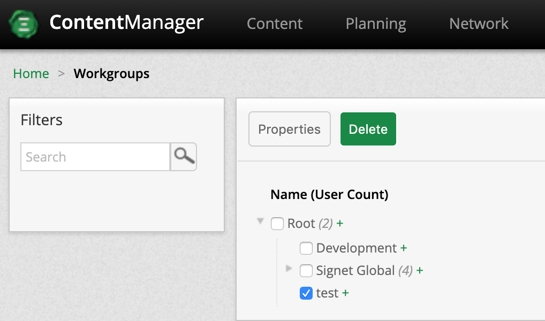
A hierarchical tree that defines a parent child relationship of the different locations a User, Media, Message, Template or Playlist can be associated to. Access to a parent node will give access and visibility to all the children nodes it’s associated with. Access to a child node will not give visibility to a parent.
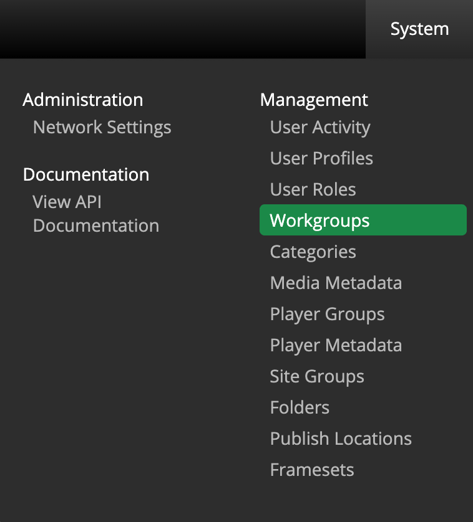
To view Workgroups, navigate to System > Workgroups
Create
To create new a Workgroup simply select from the Workgroups page and enter a new workgroup or sub-workgroup name.

Edit
To edit a workgroup, select a workgroup name and select  .
.
After making the necessary changes make sure to save your work

Delete
To delete User Roles, select one or multiple Users and click  .
.