
Quick Steps
There are a variety of ways for attendees to log into the CenterSuite app. Users can login directly to the briefing with the link provided to them in the email shown in Figure 1.1. Clicking on the link will take them into the app without any additional steps for logging in(Figure 1.2). This is the ideal login process for attendees who have an email address populated in BriefingSource.
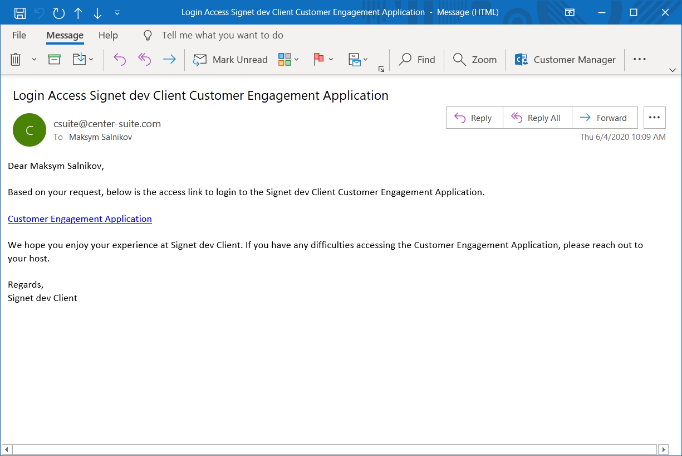
Figure 1.1 - Login email with user-specific link
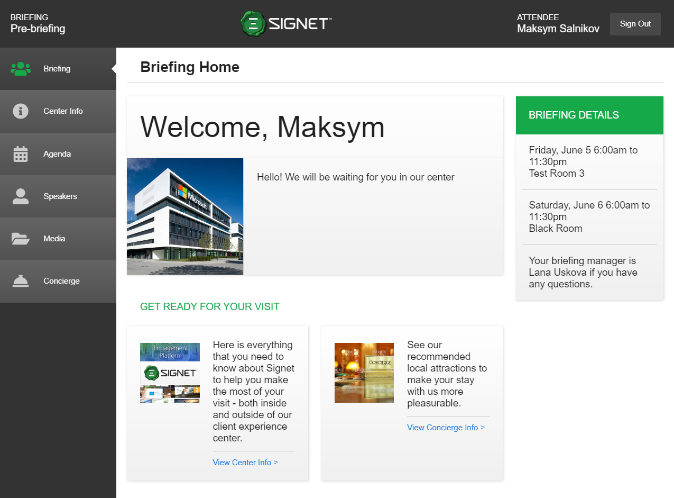
Figure 1.2 - App home Page
Users can also log themselves into the app with the general application link which can be sent out manually along with the briefing ID which will be needed for entry(Figure 1.3). When accessing the link, attendees are taken to a page where they will have to put in the briefing ID (Figure 1.4) and then they can choose their name in the list (Figure 1.5). Attendees will enter their email after selecting their name from the list and that email must match the one put into BriefingSource attached to them (Figure 1.6). Upon inputting a matching email, they will see the confirmation message shown in Figure 1.7 and they will receive an email with direct access like the one in Figure 1.1. That link will take them to the app home page shown in Figure 1.2.
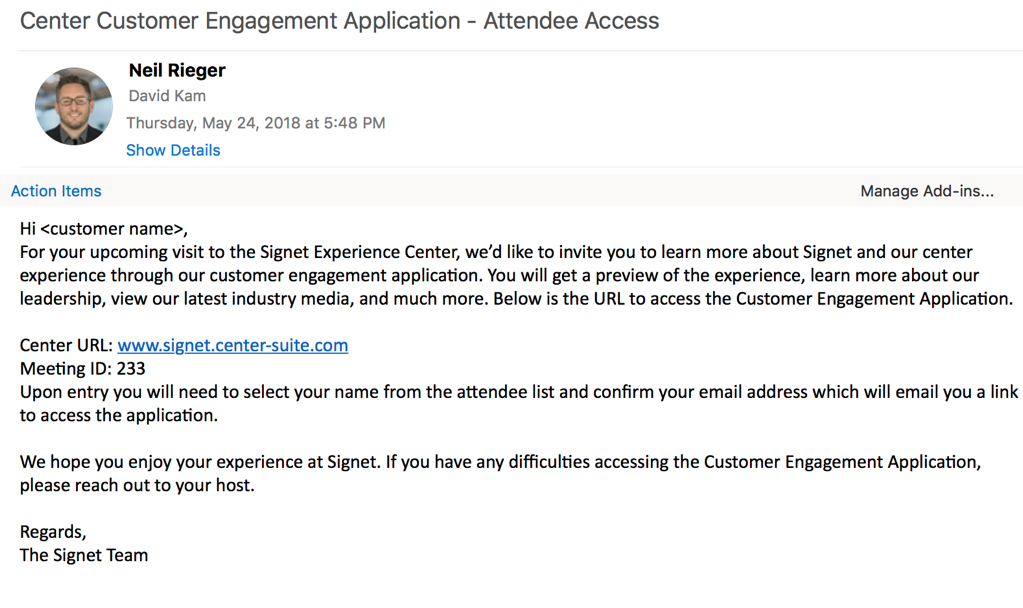
Figure 1.3 - Login email with general link
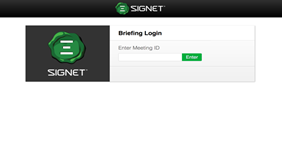
Figure 1.4 - Login page
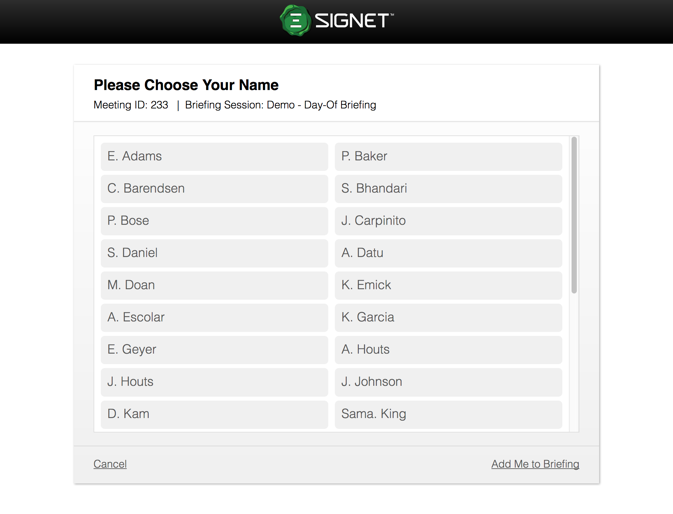
Figure 1.5 - Choosing name in the attendee list
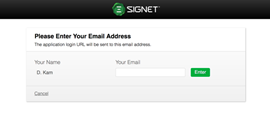
Figure 1.6 - Entering attendee email
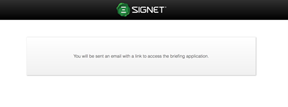
Figure 1.7 - Confirmation message that email is sent with direct link