- Support Knowledge Base Page
- Content Manager
- User Interface
User Roles
View And Manage User Roles
View
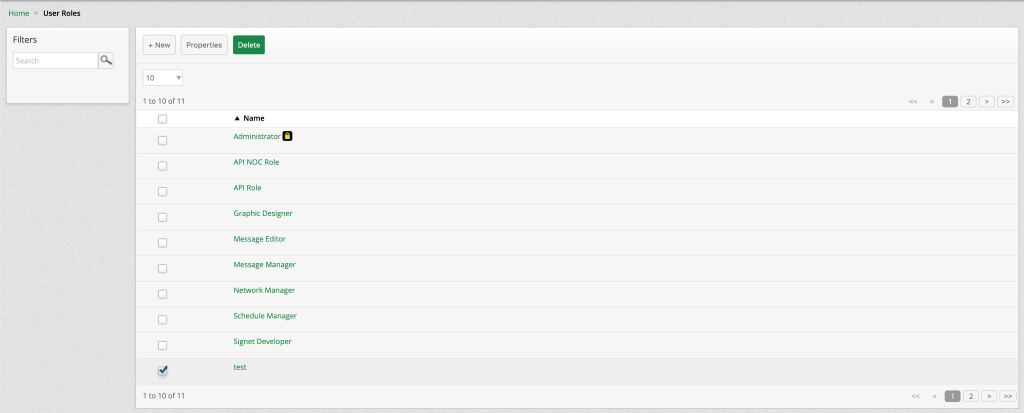
Gives specific access privileges to a user depending on their authority over the Content Manager.
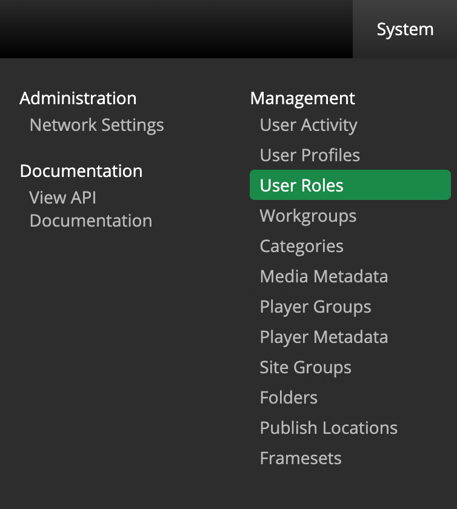
To view User Roles, navigate to System > User Roles
Create
To create new a User Roles simply select  from the User Roles page and enter a role name.
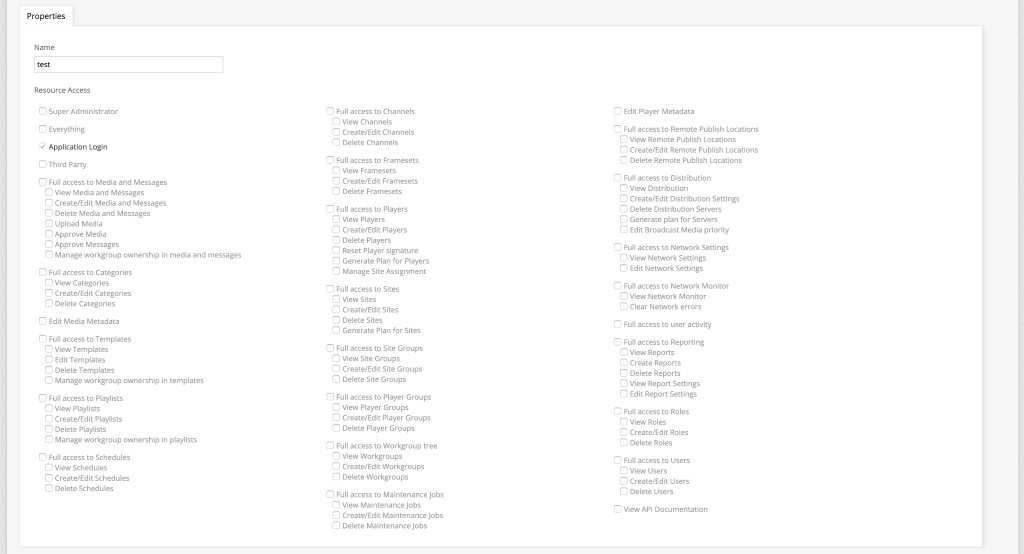
After creation you can go ahead and select the necessary access needed for the created role.
Edit
There are two ways to edit a User Roles:
- First, you can select one user and select
 .
.
- Second, you can simply click the role name.
After making the necessary changes make sure to save your work

Delete
To delete User Roles, select one or multiple Users and click  .
.