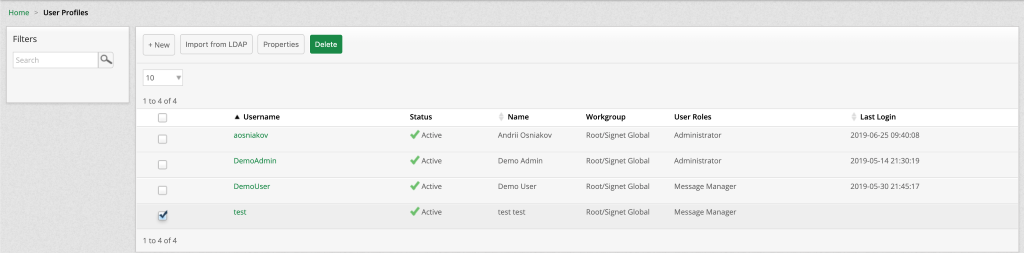
View And Manage User Profiles
View
User Profile is used to create login credentials for new users and assign them specific workgroup access and permissions.
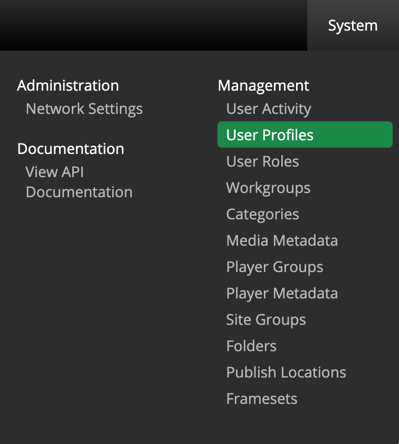
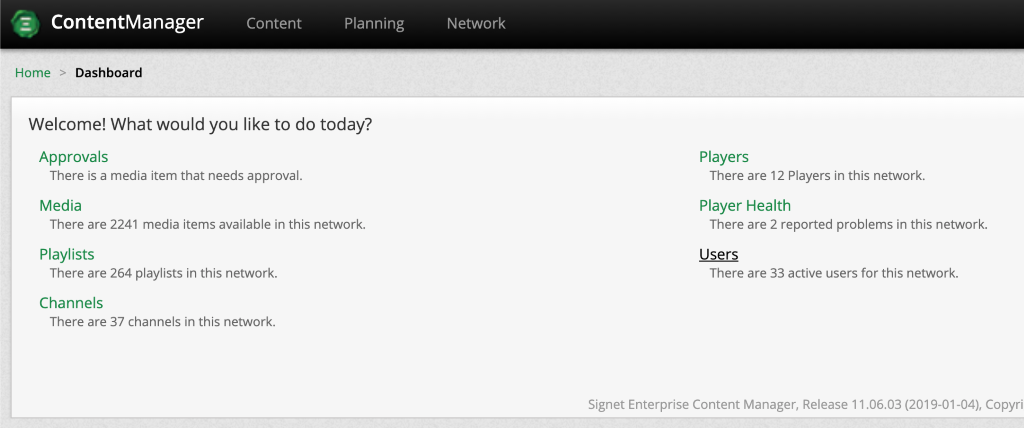
There are two ways to access User Profiles:
- System > User Profiles
- Dashboard > Users
Create
To create new a User Profile simply select  from the User Profiles page.
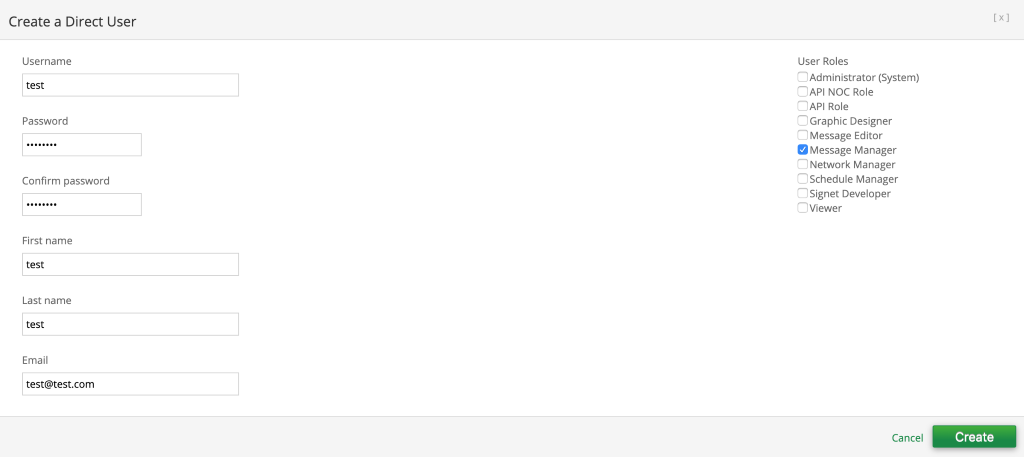
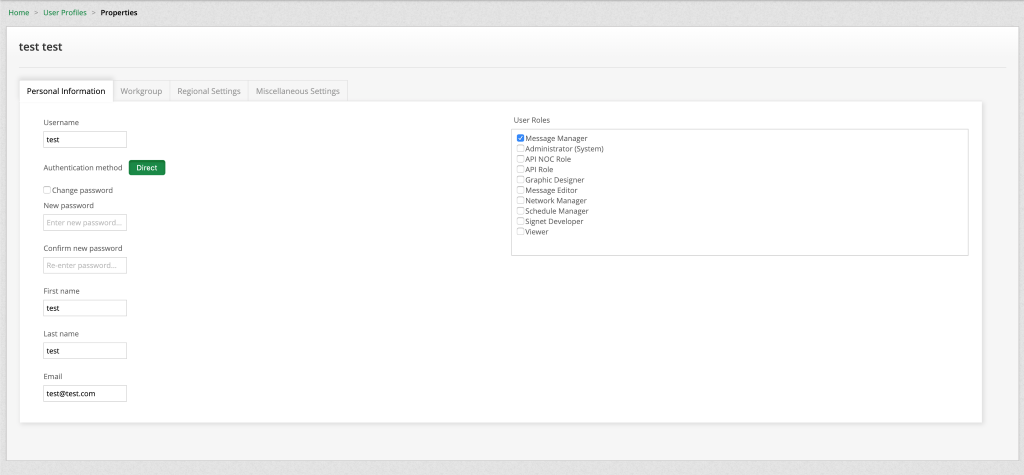
Complete all the fields and note the password needs to be 8 digits long. The typical user role assigned to a new user is Message Manager. Once the form is completed select Create.
On creation you will be directed to a new page where you can assign the appropriate workgroup as well as have the ability to reset the password.
Edit
There are two ways to edit a User Profile:
- First, you can select one user and select
 or multiple medias and select
  .
. - Second, you can simply click the playlist name.
After making the necessary changes make sure to save your work

Delete
To delete User Profiles, select one or multiple Users and click  .
.