
Screen Pinning for MIMO Android Device
How to lock screen for MIMO device:
- Go to Settings > Security;
- Select Screen Lock -> Enter password -> signet;
- Go to Settings > Security;
- Select Screen pinning:
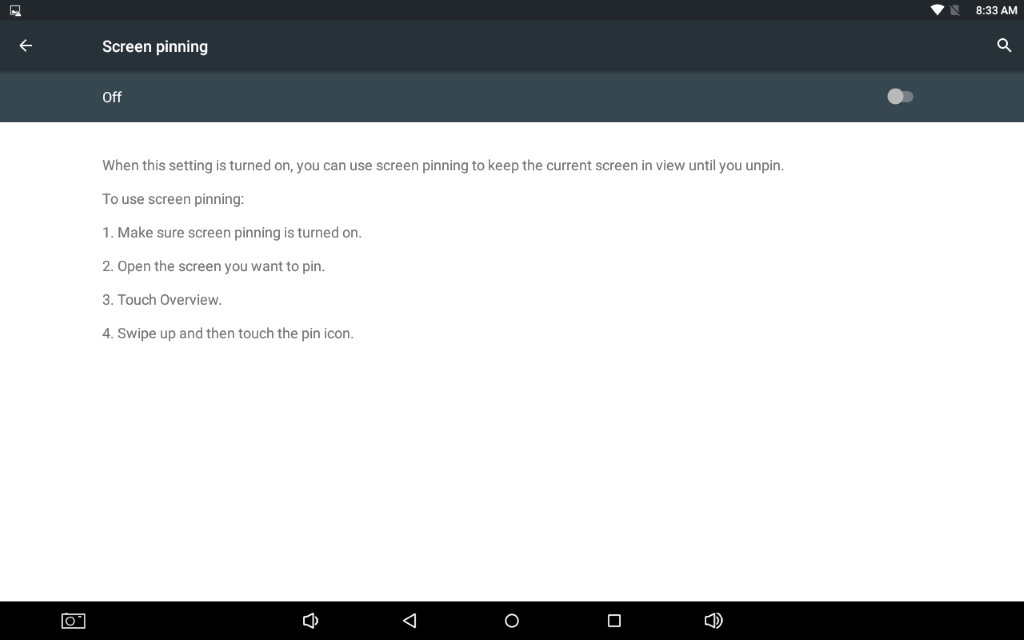
- Enable Screen pinning:
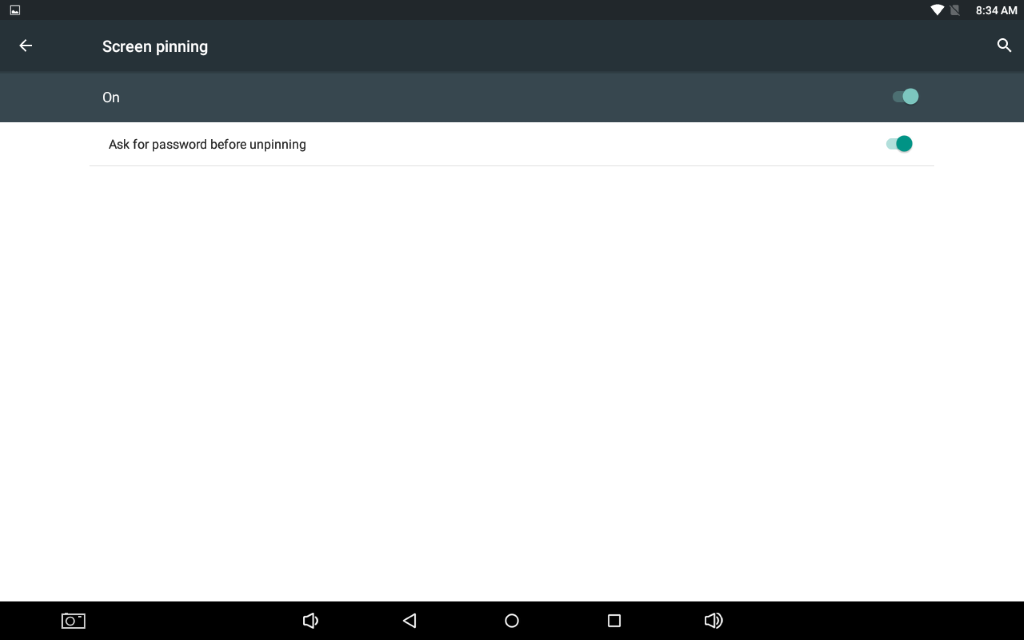
- Open the HitachiDoorMonitor app;
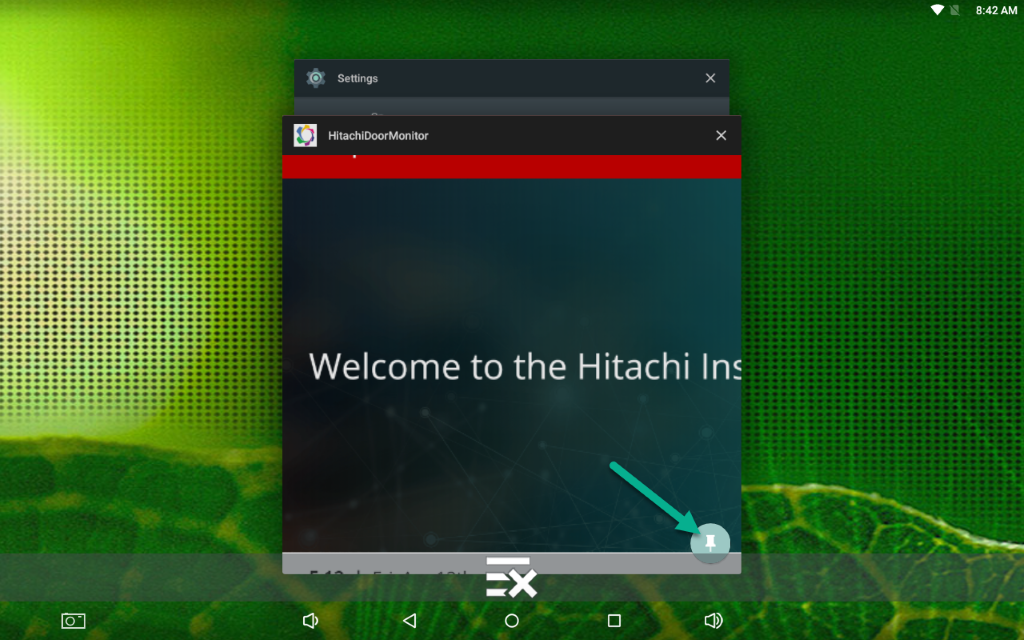
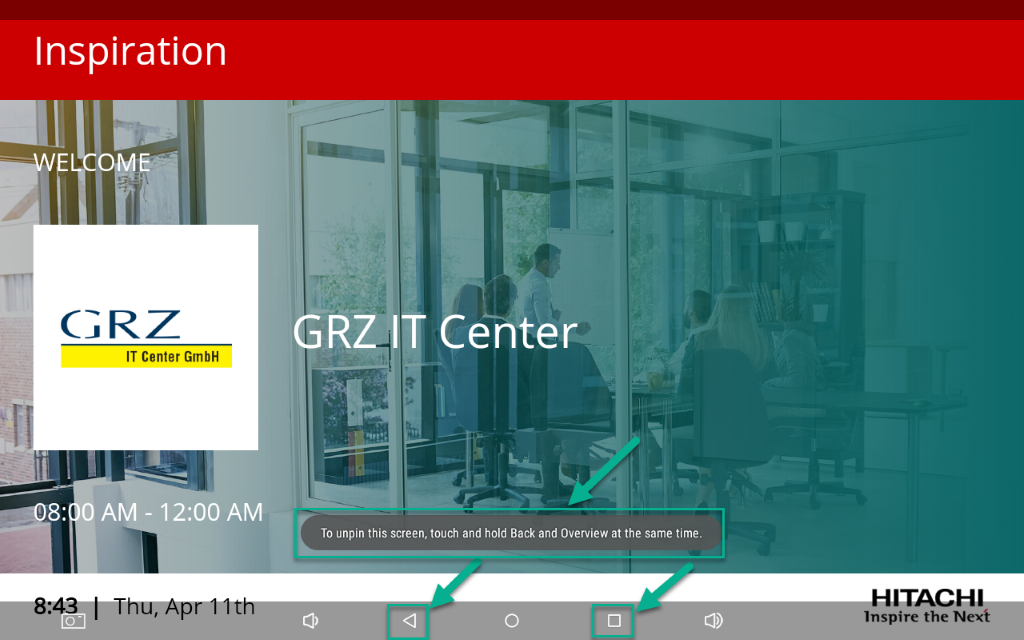
- To use screen pinning, tap the Overview button (the square button in the lower right corner of your screen), and swipe up and down until you find the app you want to pin. Once you find the app you want to pin, tap the Pin button—it's a blue-green button with a white pushpin on it:
- Done:
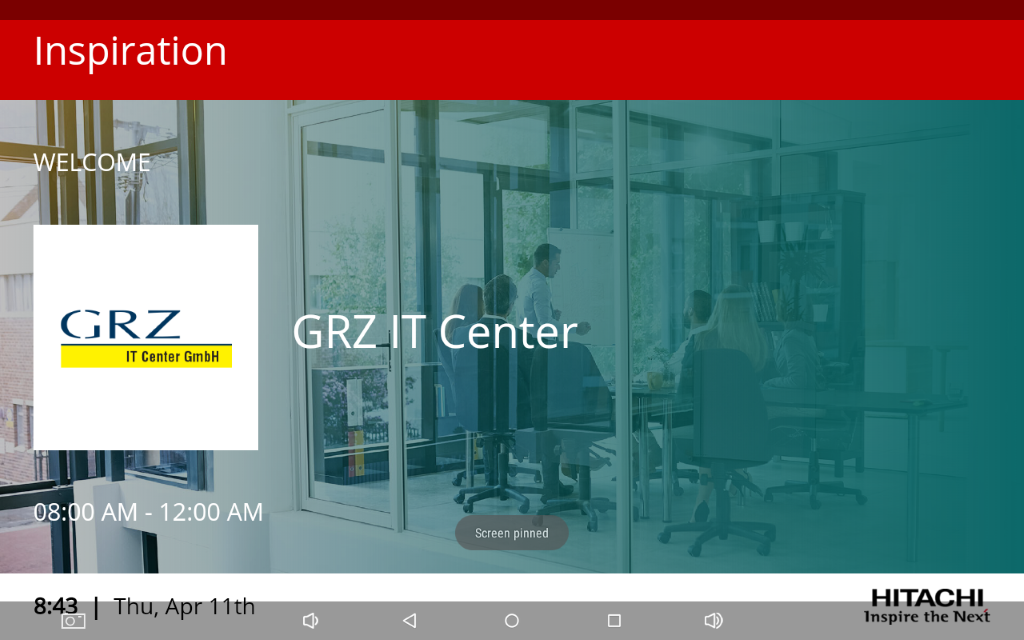
- To unpin screen:
 10. Swipe to unlock
11. Enter password