
Automatic Text Resizing is not enabled. 2X1 Screens are now supported. Agenda text is now configurable.
New 2x1 Resolution
Now the Room Warmer supports the 2x1 orientation.
- The most used resolution: 3840x1080
Styles, settings, playbacks, and backgrounds are applied in the same way as for other resolutions.
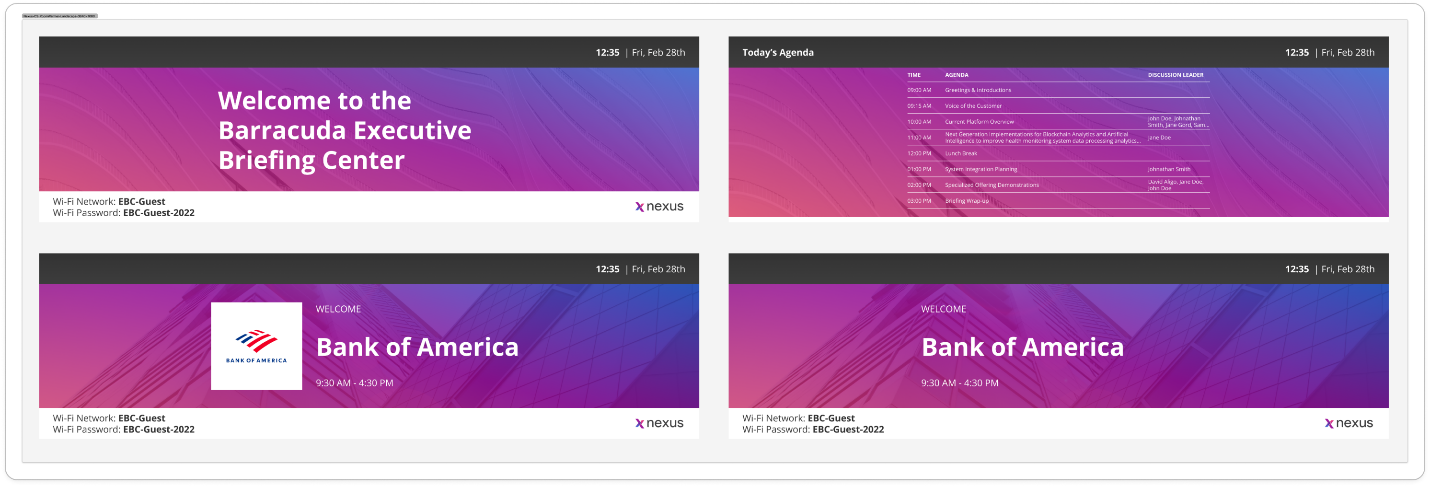
Figure 1. 2x1 Room Warmer
Text re-sizing
The automatic text re-sizing is added to the Room Warmer, which allows it to fit more text on the screen. Each screen has max and min font sizes. Using the min font, the ellipse will be added for text that does not fit within the text area.
The text re-sizing is available within all resolutions.
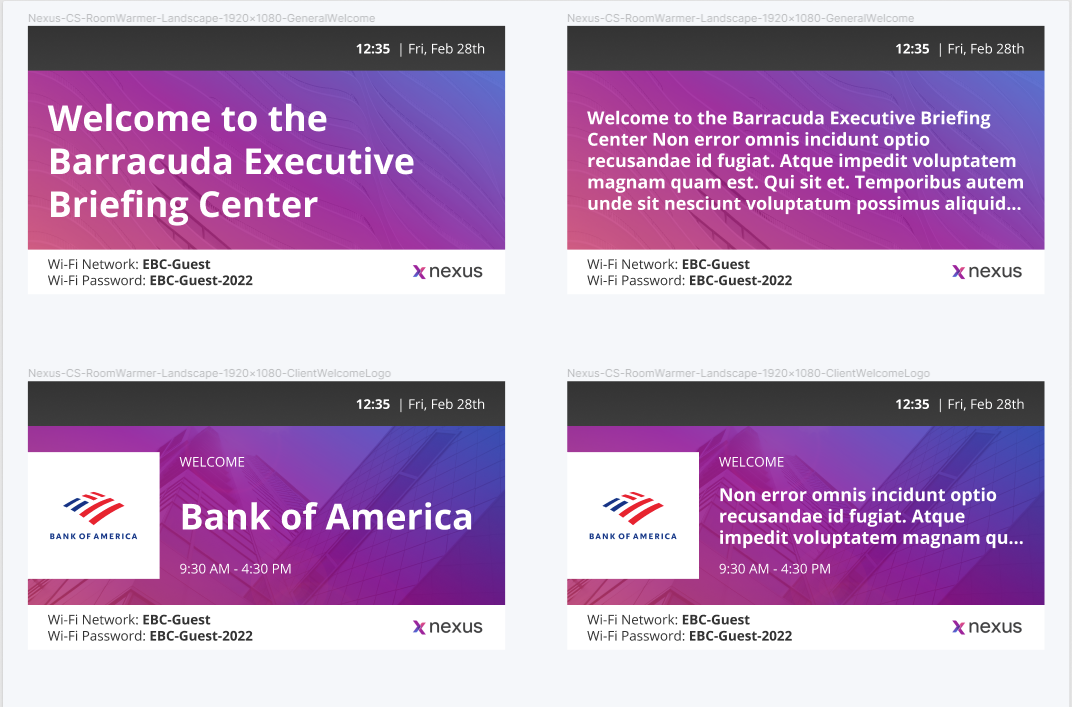
Figure 2. Text re-sizing example
|
Resolution |
Screen |
Details |
|
1920x1080 |
General Welcome |
|
|
|
|
|
3840x2160 |
General Welcome |
|
|
|
|
|
3840x1080 |
General Welcome |
|
|
|
Editable header text on the Agenda screen
The Agenda header text is now editable on the Room Warmer. The “Agenda Greeting Message Text” can be filled on the Hub and reflected on the product side.
|
Description |
Validation |
|||
|
Agenda Greeting Message Text |
|
|
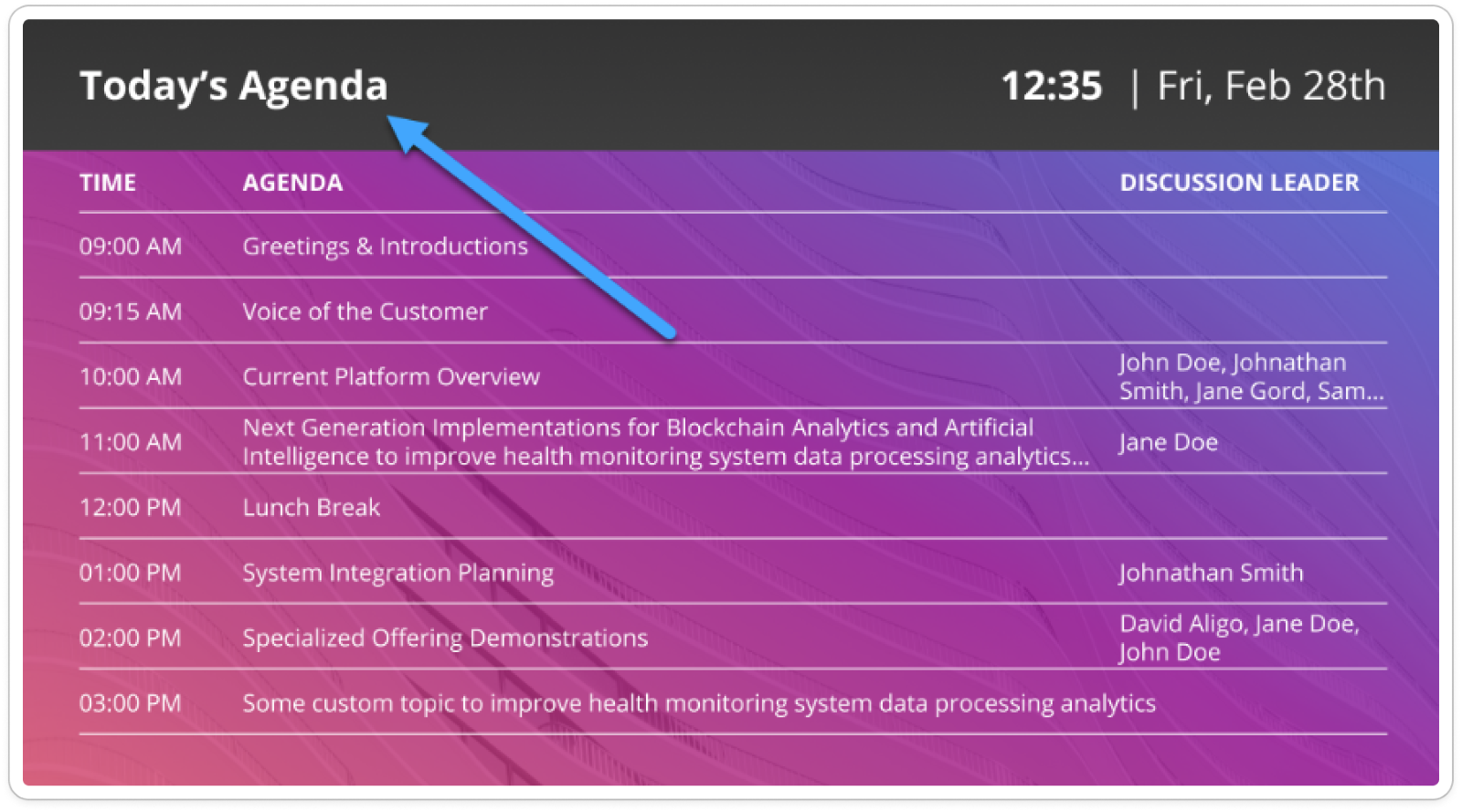
Figure 3. RW - Agenda screen