
- Support Knowledge Base Page
- Nexus Portal
- CS Platform
Receiving Server Error Pop-ups when trying to navigate to the CS Platform.
On navigating to your CS platform (e.g. https://signet.center-suite.com/platform), if you continuously see several error pop-ups white no other data being shown on the page, please follow the next steps:
1. Logout of the instance manually:
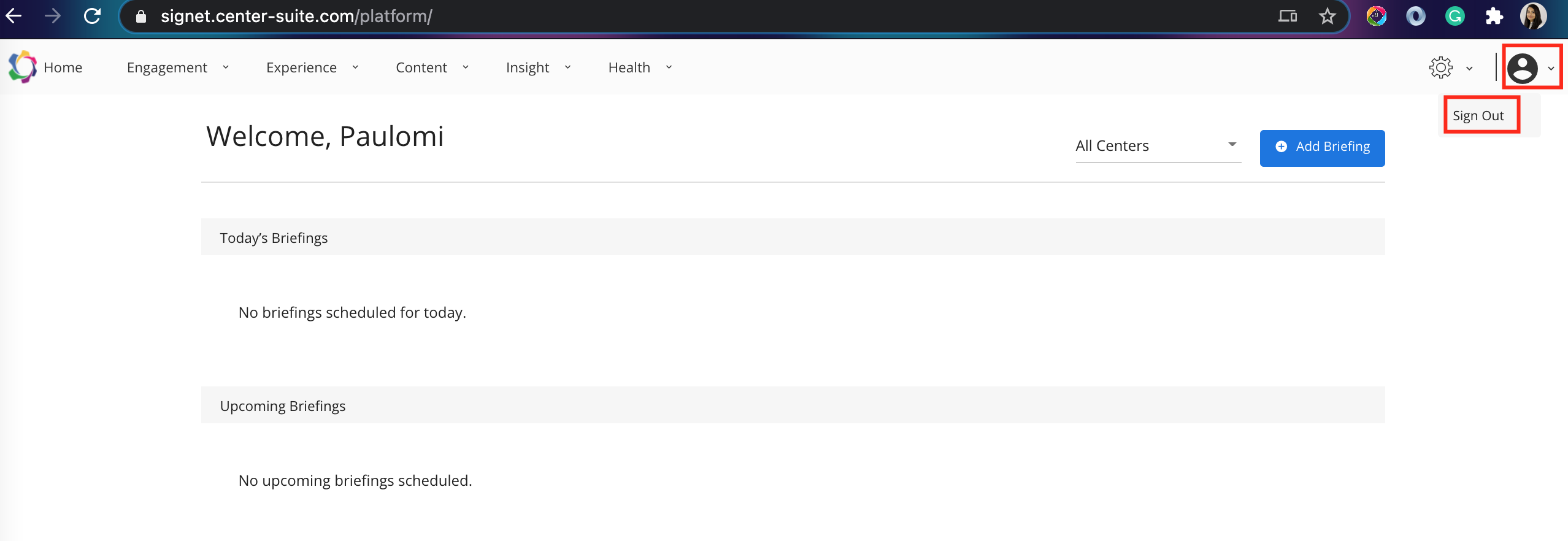
2. Navigate to your browser settings and delete all cache related to this URL.
3. Reload the page to ensure it is loading into the login page.
4. Log in to the platform using your credentials or SSO.
We recommend manually logging out of the Signet platform once your work is complete, as your browser stores the last visited status of the page - an already authenticated page on the platform, and navigates to the same, throwing error pop-ups.
However, to preserve security features in the platform, the cached page will not be resolved and will require you to manually establish a secure login to the page.