
- Support Knowledge Base Page
- Content Manager
- User Interface
Player Groups
View and Manage Player Groups
View
Allows for group organization and separation. This is also used to link specific metadata conditions.
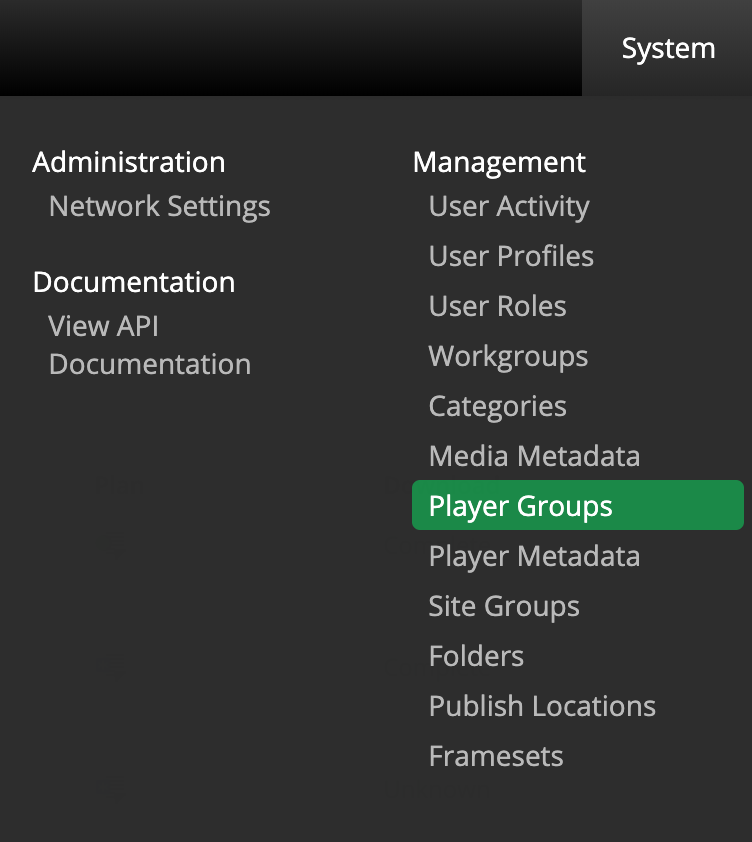
To view Player groups, navigate to System > Player Groups
Create
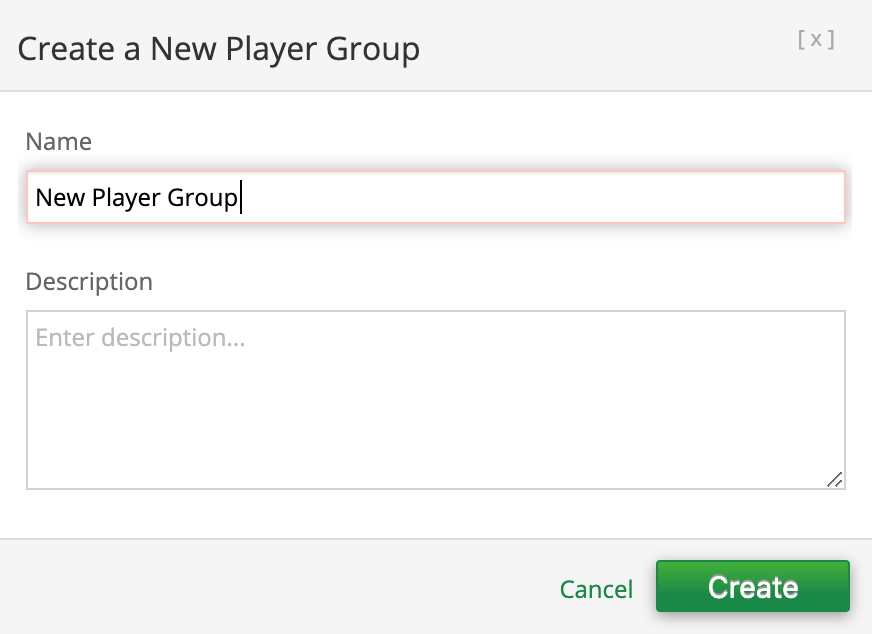
To create new a Player Group simply select  from the Player Groups page and enter a Name with an optional Description.
Edit
There are two ways to edit Player Groups:
- First, you can select one Player Group name and select
 or multiple Player Group names and select
  .
.
- Second, you can simply click the Player Group name.
After making the necessary changes make sure to save your work

Delete
To delete a Player Group, select one or multiple check boxes associated to the media and click 
