
- Support Knowledge Base Page
- Nexus Portal
- The Application – Your Customer Experience & Feature Usage
Media Section
Summary
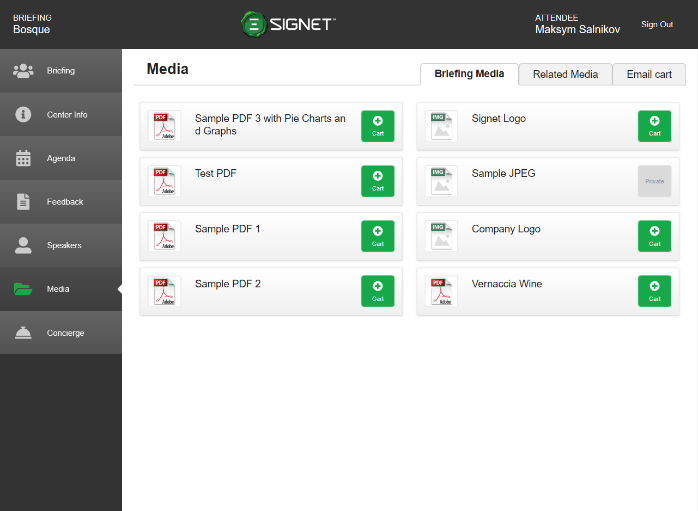
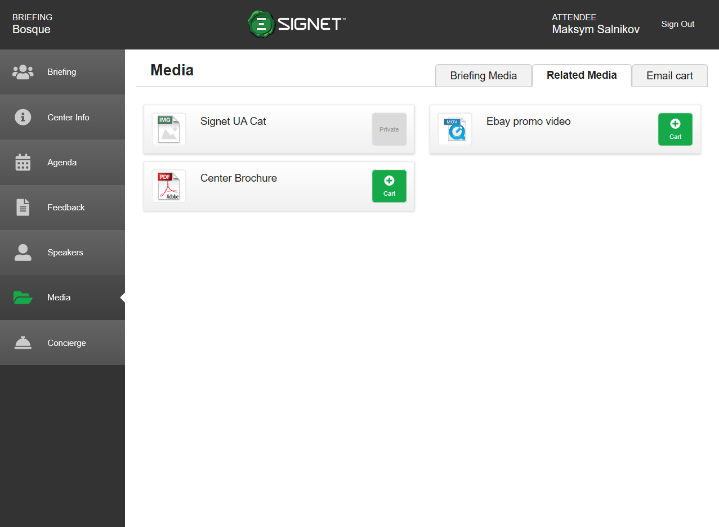
The Media section contains tabs for Briefing Media(Figure 8.1), Related Media(Figure 8.2), and the E-mail cart (Figure 8.3). The media in these tabs are videos, images and PDFs that attendees can preview within the app as shown in Figure 8.5. Media can also be added to the media cart (Figure 8.3) for attendees to email themselves to download at their convenience. The media download email in Figure 8.4 provides them with a link to download all items they have sent from their cart. Note that some media is marked as private and cannot be previewed or downloaded from the app.
|
Figure 8.1 - Briefing Media |
Figure 8.2 - Related Media |
|
|
Figure 8.3 - Media Cart |
Figure 8.4 - Media Download Email |
|
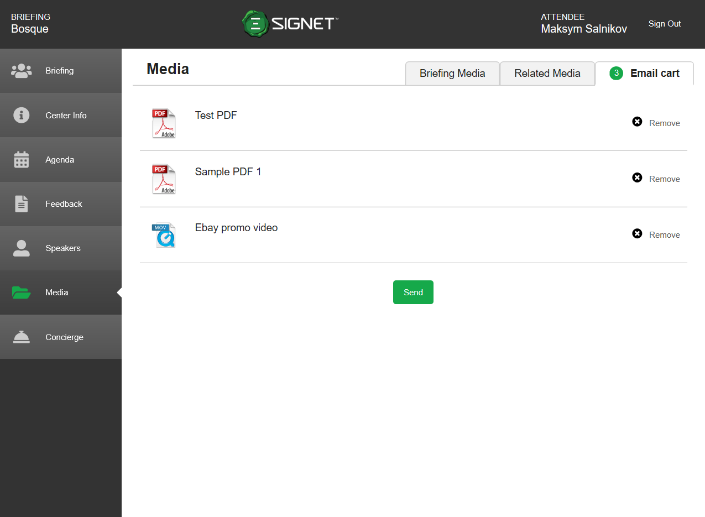
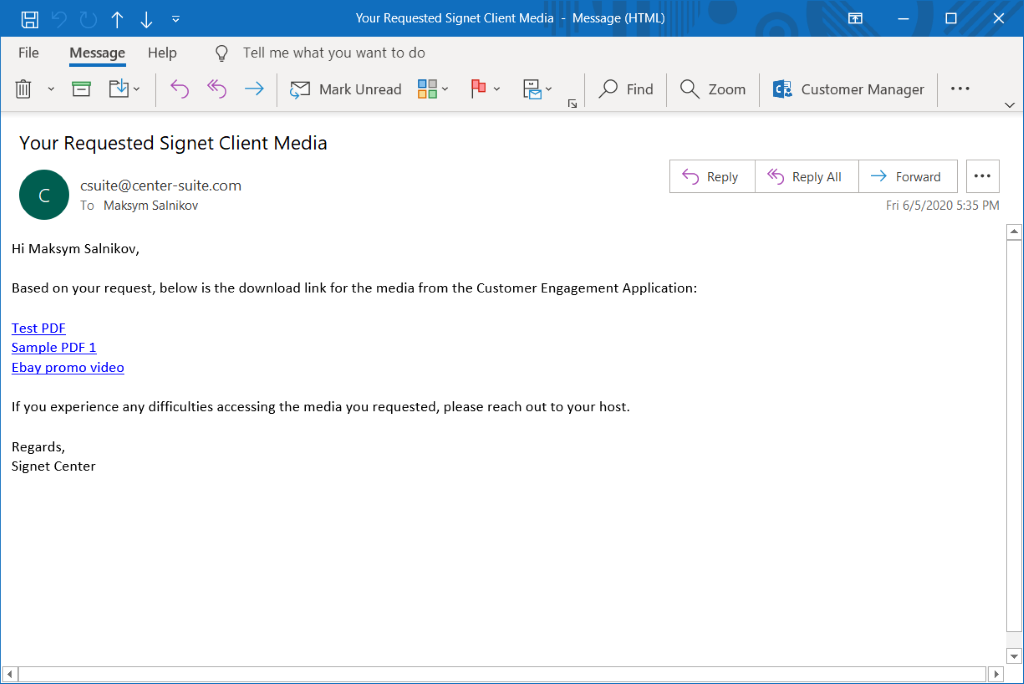
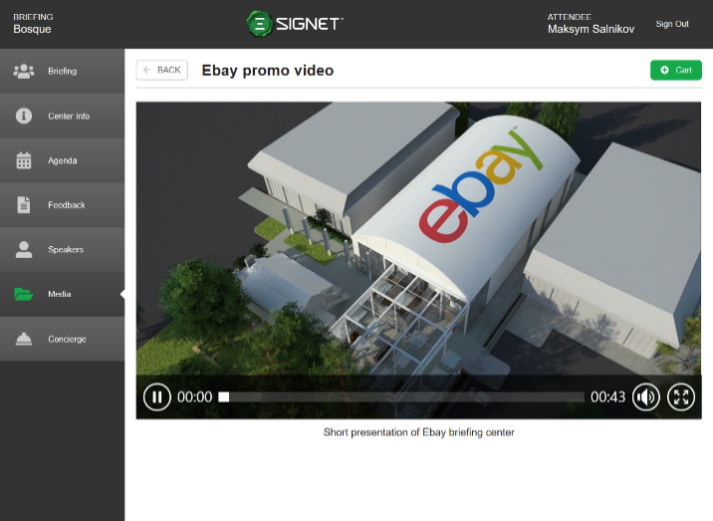
Figure 8.5 - Media Preview