
View And Manage Media and Messages
View
There are two ways to access Medias and Messages:
- Content > Media
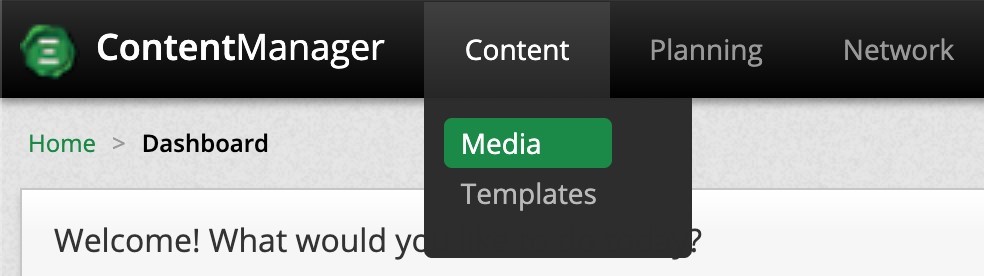
- Dashboard > Media

Create
To create new Media and Messages simply select from the Media page and select one of the following:
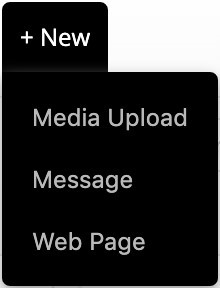
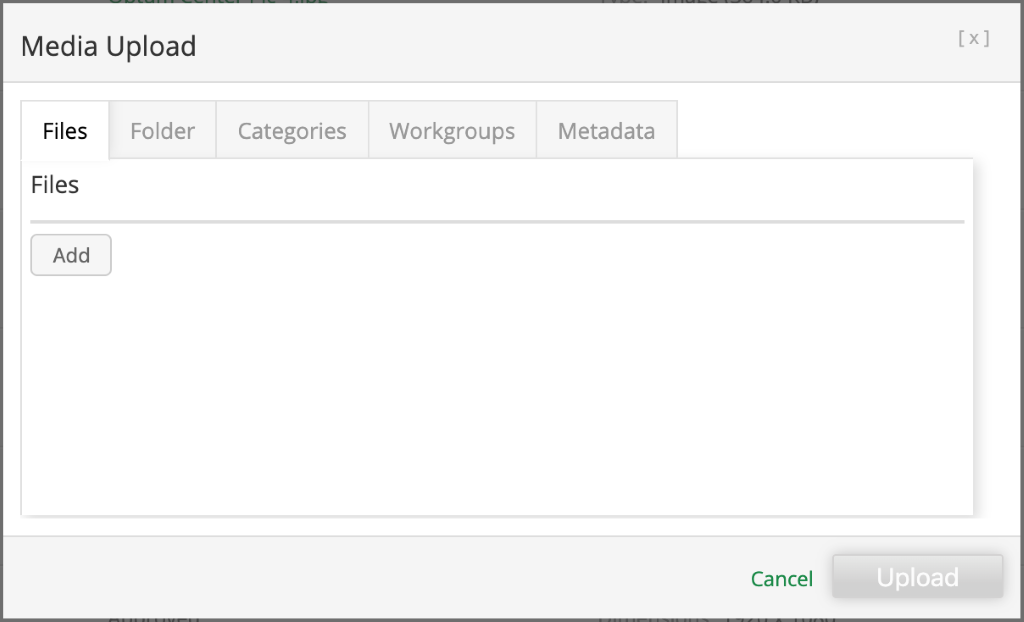
The following selection opens up the following modal to upload new media.
- Media Upload
- You have the ability to add media for the whole organization or specify a category or workgroups who will have exclusive access to the uploaded media.
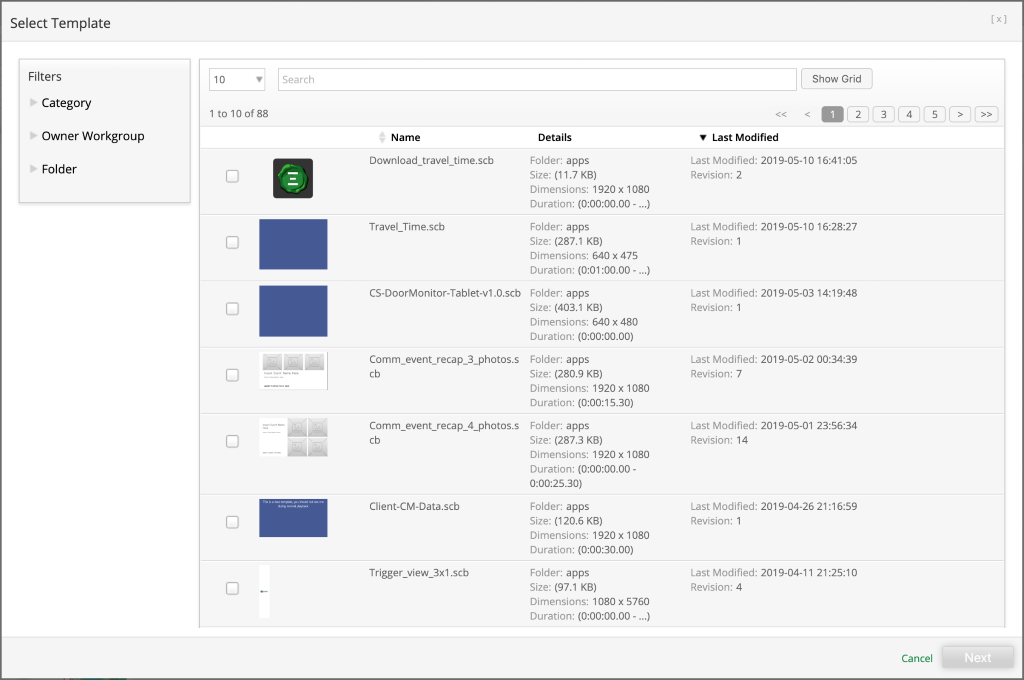
- Message
- Select a template.
- Enter a name for the new message.
- Update the parameters depending on the template layout.
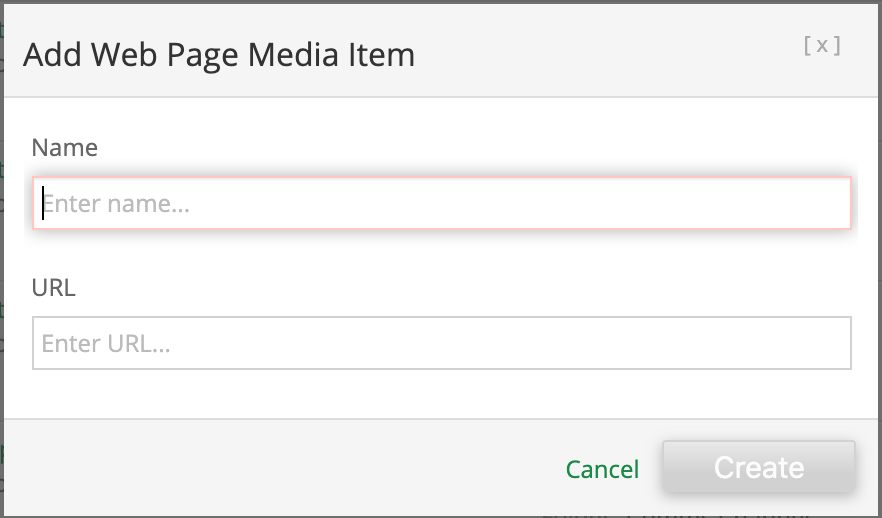
- Web Page
- Enter the name of the media web page.
- Enter the URL where the content is hosted.
Edit
There are two ways to edit Media:
- First, you can select one media and select
 or multiple medias and select
  .
.
- Second, you can simply click the media name.
After making the necessary changes make sure to save your work

Delete
To delete Media, select one or multiple checkboxes associated to the media and click  .
.

one or multiple checkboxes associated to the messages and click  .
.
