
Quick Steps
To access the app, attendees will need the link to your instance of CenterSuite (usually <company>.center-suite.com) which is usually found in an email like the one in Figure 1.3. When accessing the link, attendees are taken to a page where they will have to put in the briefing ID (Figure 1.4) and then on the next attendee selection screen the guest user will not see their name and can select the ‘Add Me to Briefing’ option (Figure 2.1). This takes the user to the Add Me to Briefing screen (Figure 2.2) where they can enter their information, and then on the next screen the user needs to enter the briefing PIN provided(Figure 2.3) to ensure they can added as a guest. Attendees will then receive an email like the one shown in Figure 2.4 and will be able to access the app directly.
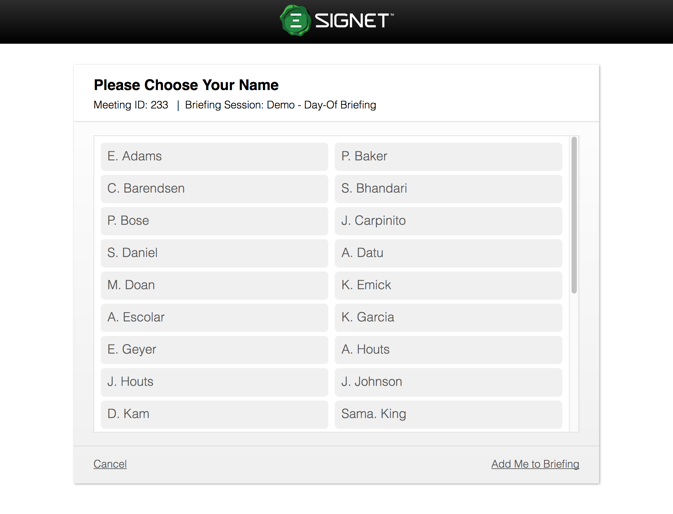
Figure 2.1 - Add Me to Briefing

Figure 2.2 - Email for guest attendee

Figure 2.3 - Enter PIN
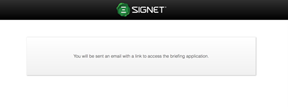
Figure 2.4 - Direct link sending