- Support Knowledge Base Page
- Nexus Portal
- The Application – Your Customer Experience & Feature Usage
Feedback Section
Summary
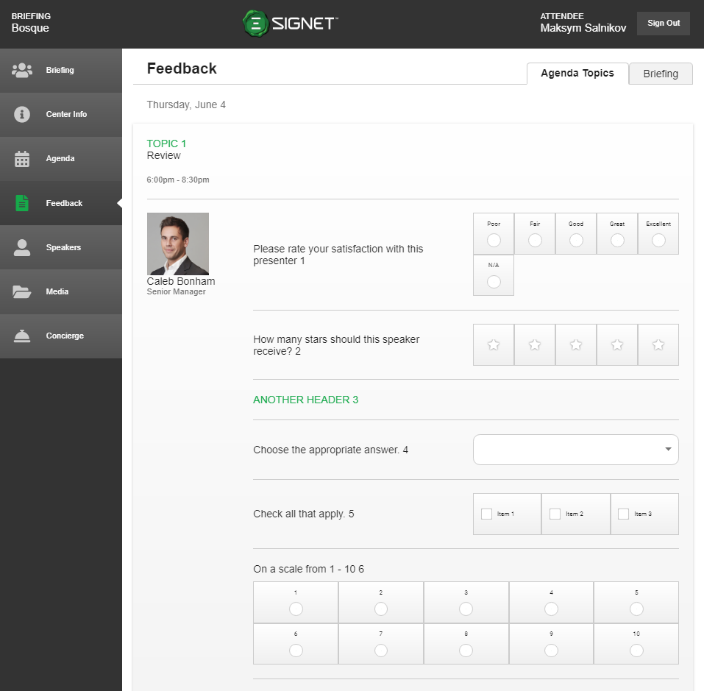
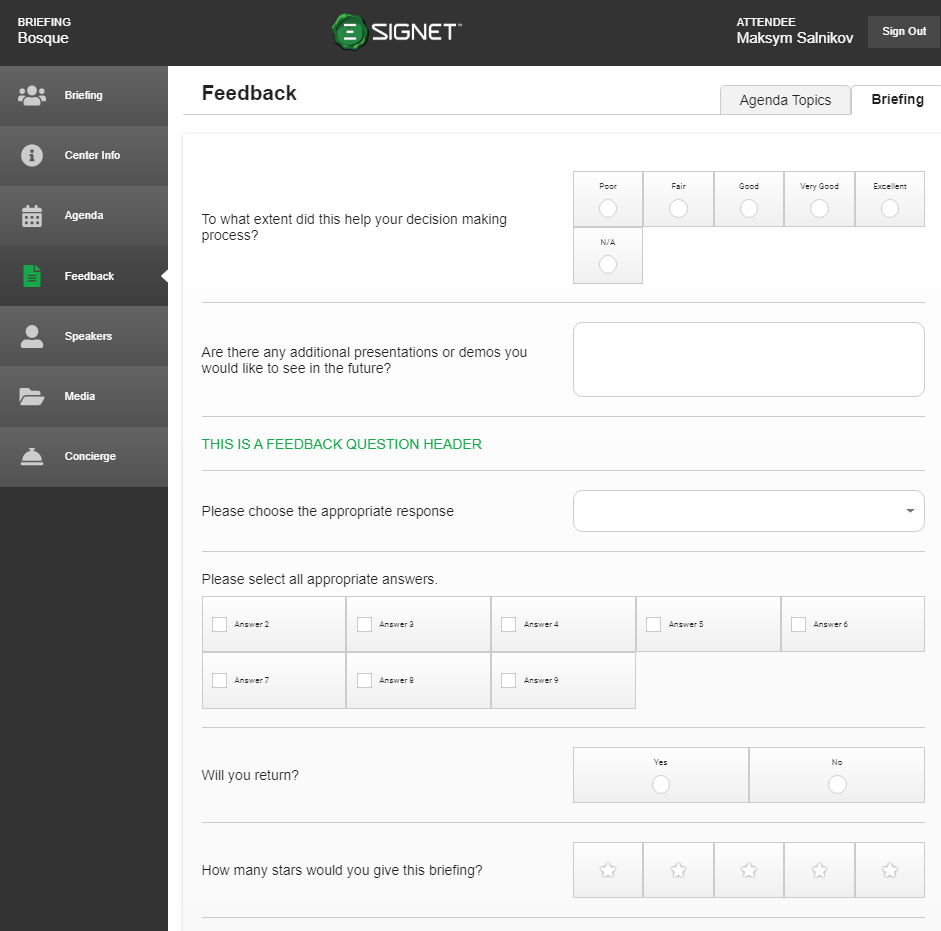
The feedback section surfaces the agenda specific questions as well as the briefing evaluation questions. There are 2 tabs in the top right of the screen that allows the user to access the agenda specific questions (Figure 6.1) versus the briefing evaluation questions (Figure 6.2). The feedback questions are adjusted and pulled from BriefingSource and show per user type, internal versus external. Answers are automatically saved so if your attendees leave feedback on another screen like the briefing home screen, when they return to the feedback section their old answers are already filled in.
|
Figure 6.1 - Agenda Feedback |
Figure 6.2 - Briefing Feedback |