Evaluations Reporting
How to use reporting in Briefing Source (Version 2) to view results of Evaluations?
Briefing Specific feedback
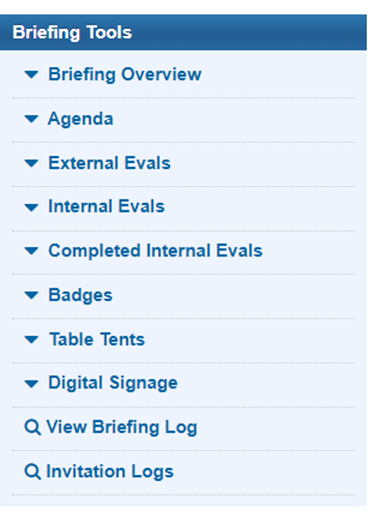
Reports Briefing Home Page à Left hand column of BRIEFING TOOLS
If feedback is provided, you will see Completed Internal Evals or Completed External Evals
Overall feedback
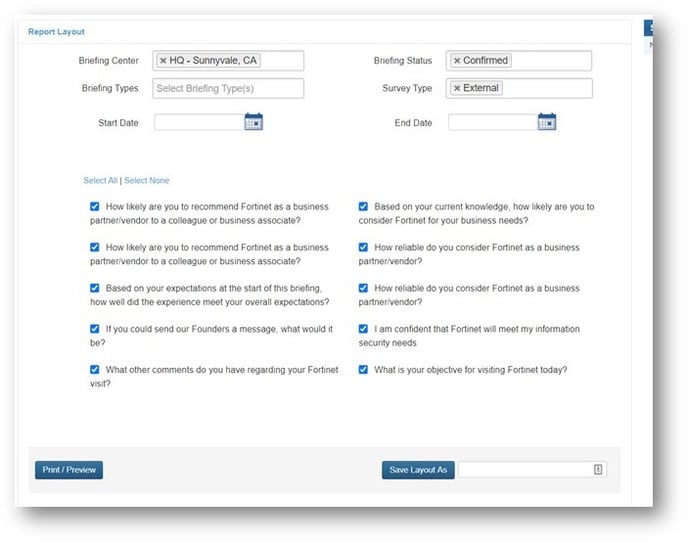
Reports à Evaluation report
- In report layout, select the centers and survey types you’d like to review.
- In report layout, select the questions you would like to review (select all is the safest unless you are looking for only 1 piece of feedback)
- Click PRINT / PREVIEW
- Click EXPORT to export to excel