
View And Manage Channels
View
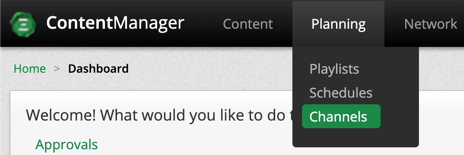
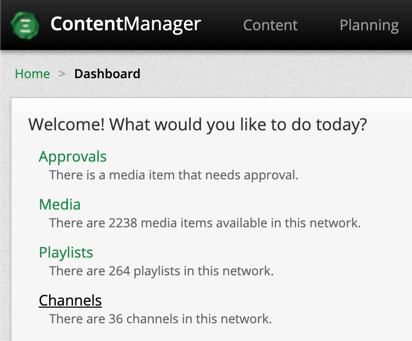
There are two ways to access Channels:
- Panning > Channels
- Dashboard > Channels
Create
To create new a Channel simply select  from the Channels page, enter a name and select a Frameset.
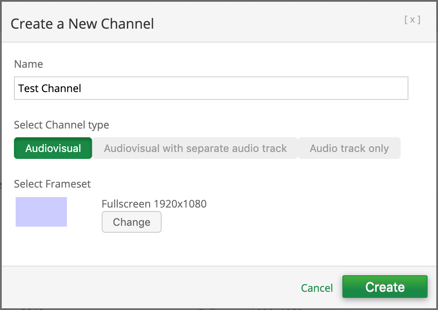
Upon creation you can change the frameset, create a custom screen size and add more custom frames.
Create custom frames
To create custom frames, select the channel name.
- navigate to the Audiovisuals tab.

- select
 and name your frame.

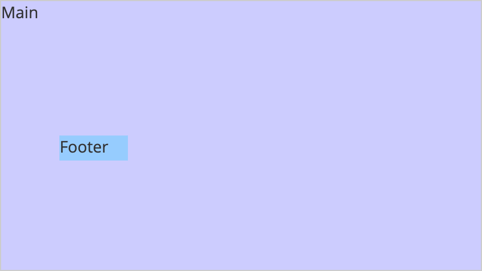
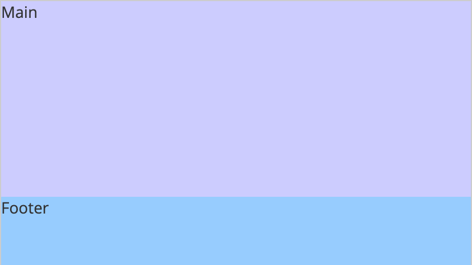
Left and Top describes the upper left corner coordinates of the frame. Check out the example below for creating a footer.
Finally, don’t forget to save your changes.

Edit
There are two ways to edit Channels:
-
- First, you can select one channel and select
 or multiple channels and select
  .
. - Second, you can simply click the playlist name.
- First, you can select one channel and select
After making the necessary changes make sure to save your work

Delete
To delete Channels, select one or multiple check boxes associated to the media and click  .
.
