- Support Knowledge Base Page
- Nexus Portal
- The Application – Your Customer Experience & Feature Usage
Center Info Section
Summary
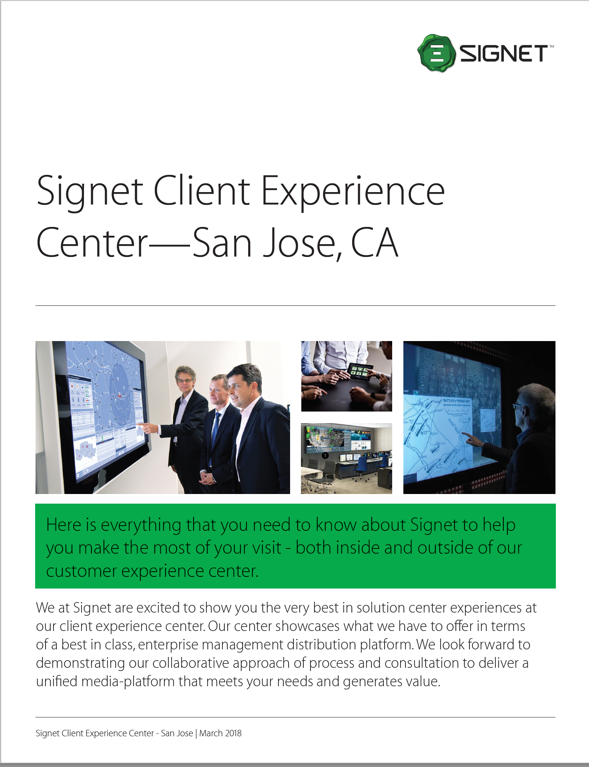
The Center info tab displays short text about the center with a carousel of images and media related to the center (Figure 4.1). From here attendees can find the company’s leadership section, download or email a brochure(Figure 4.2). about the center.
|
Figure 4.1 - Center Info Home |
Figure 4.2 - Center brochure downloaded |

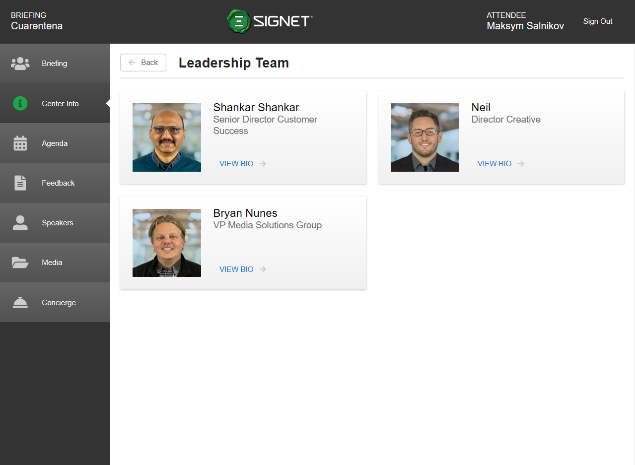
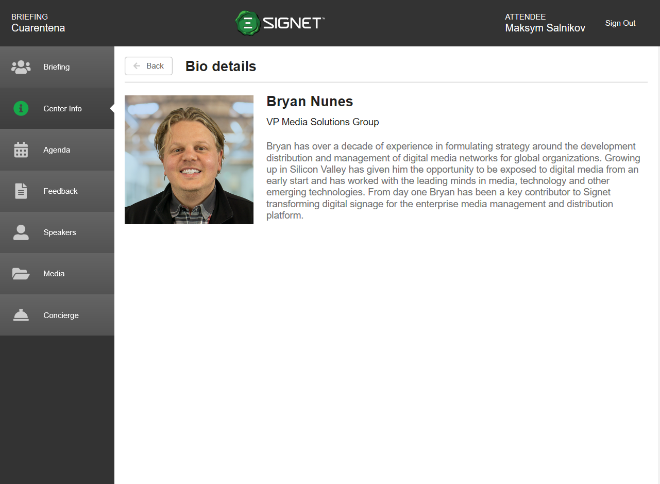
The Leadership page shows the entire leadership team for the company or the briefing center (Figure 4.3). Clicking “View Bio” for a person takes the attendee to a page with more information about the member of the leadership team as shown in Figure 4.4. The “Back” button returns the attendee to the Center Info tab.
|
Figure 4.3 - Center Info leadership list |
Figure 4.4 - Center Info Leadership details |