- Support Knowledge Base Page
- Content Manager
- User Interface
Categories
View and Manage Categories
View
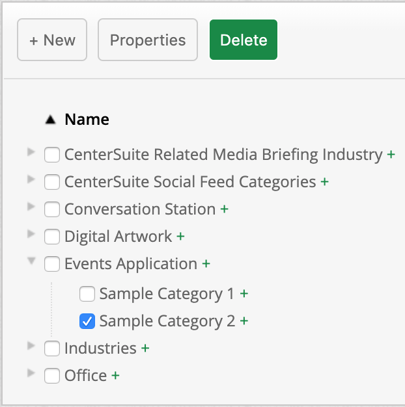
Categories are like hashtags; they are used to tag your media for better visibility and usage. It allows you to organize your media structurally in what may make sense for you and your organization.
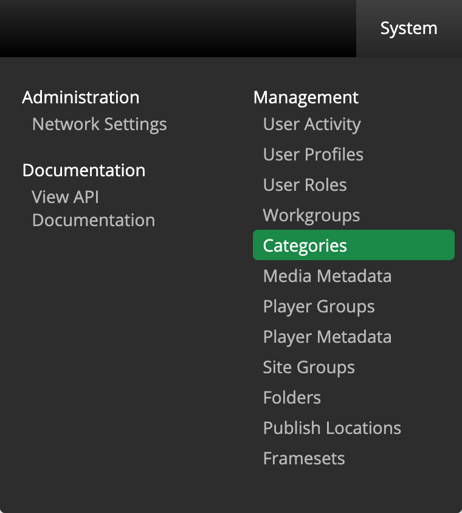
Navigate to Categories by selecting System > Categories on the top right section of the Content Manager.
Create
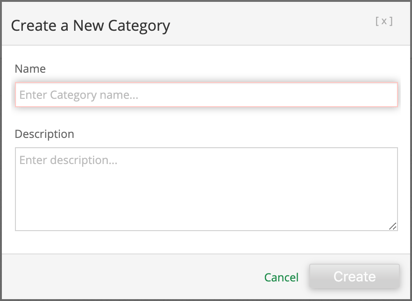
Select  and enter a category name with an optional description.
Edit
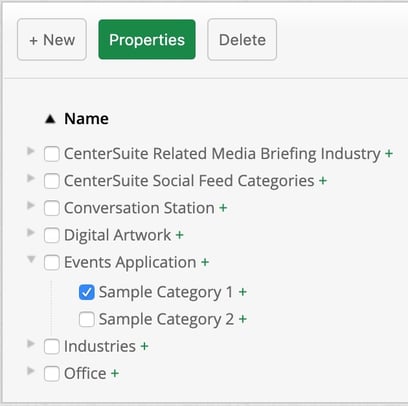
Select a category to edit then select 
Delete
Select a category to delete then select