
- Support Knowledge Base Page
- Nexus Portal
- The Application – Your Customer Experience & Feature Usage
Agenda Section
Summary
The default state of the Agenda tab shows all parts of the agenda collapsed like in Figure 5.1. Selecting an agenda item expands to show the full details of the given item (Figure 5.2), speaker info, and feedback associated with the agenda item when relevant. Expanding items like lunch or breaks will show details about what is being served or an associated activity with it, if this information is provided in Briefing Source.
If the attendee runs the application during current agenda, this agenda will be expanded automatically, allocated at the top of visible area and selected in green(Figure 5.3)
|
Figure 5.1 - Agenda |
|
Figure 5.2 - Agenda with item expanded |
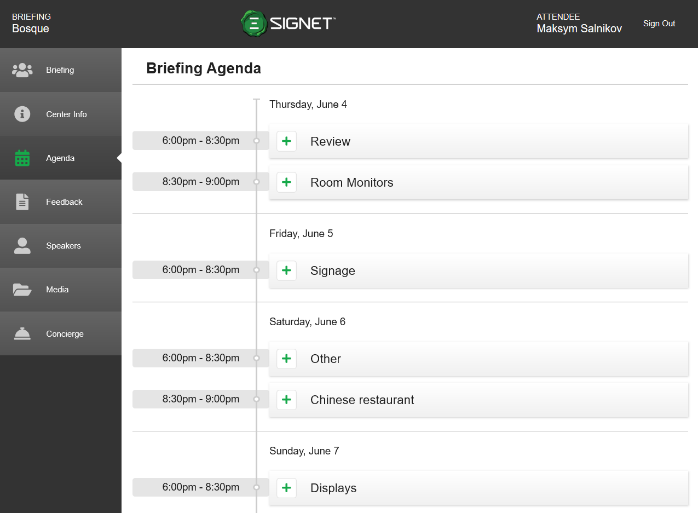
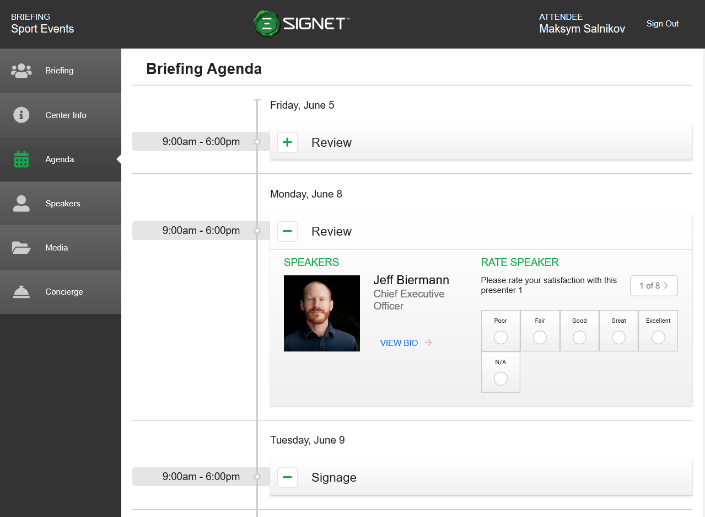
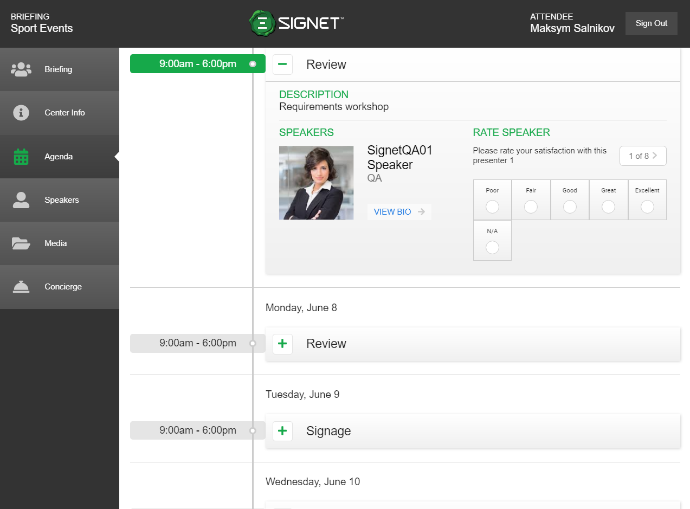 Figure 5.3 - Current agenda