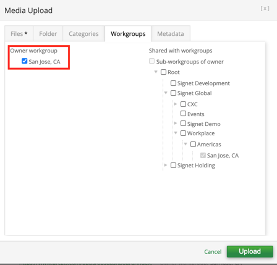
This issue occurs since the Media item workgroup is not overlapping with the playlist workgroup, i.e., the media item has to be "shared" with the playlist workgroup. The steps to assign a workgroup to a media item is as below:
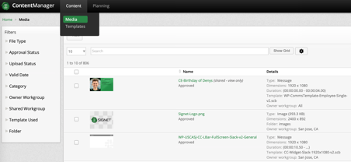
1. Navigate to the media repository on the Content Manager from Content>Media.
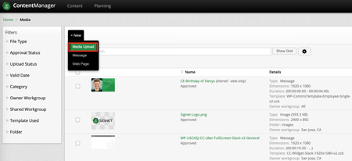
2. Upload the required media item by +New>Media Upload:
3. After uploading desired files from your local desktop onto the “Files” tab in the Media Upload pop-up, navigate to the “Workgroups” tab. Notice that the file will be automatically tagged with Owner Workgroup as the same workgroup as your user profile access. You can choose to share this media item with other workgroups to allow them to use this media item in their playlist, however, they have no access to edit this media item – only users in your workgroup can edit this media item.