
The Visit Date selection window lets you choose the date(s) and times for the visit.
NOTE: The window you see may not contain all the elements shown below. The Select Date window only shows those elements that are required at the time.

- Estimated Attendee Count - Specify the estimated number of physical attendees for this visit. The attendee count is used to determine the most appropriate room for in-person visits.
- Visit Duration & Multi-Day Toggle - Enabling this toggle allows you to specify the start date and end date for a multi-day visit. This toggle only appears if this visit type accepts multi-day requests.
- Visit Date - The date of the visit. Click inside the field to select a date and time.
Select the appropriate date and time.
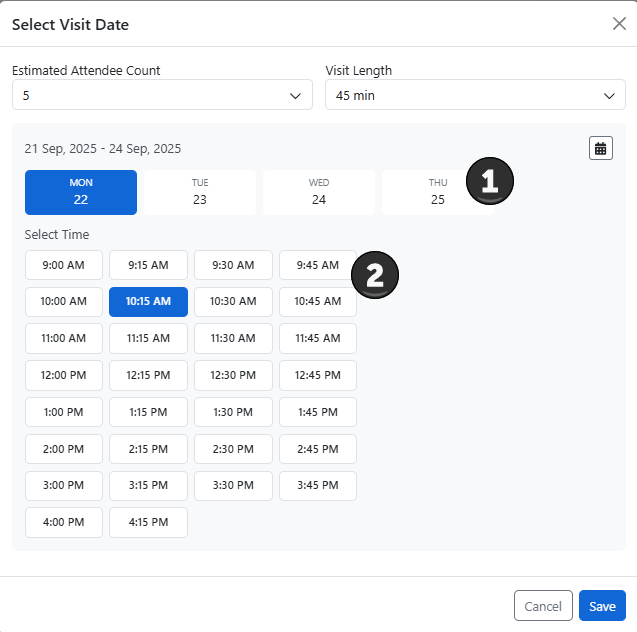
- Select Date - Specify the date you would like to schedule the visit
- Select Time - Select the start time for the visit