There are ways to change the time to trigger the reschedule action, and some that as a coordinator won't.
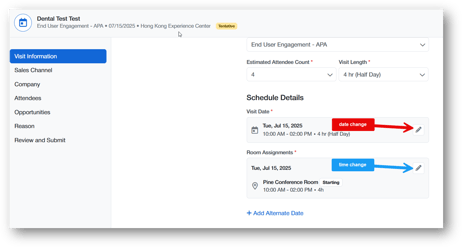
In the Visit Details section, you can edit the time of a visit in 2 ways.
1. Click the edit icon on the Visit Date. This update will trigger a reschedule email that will inform based on the updates and rules you have established.
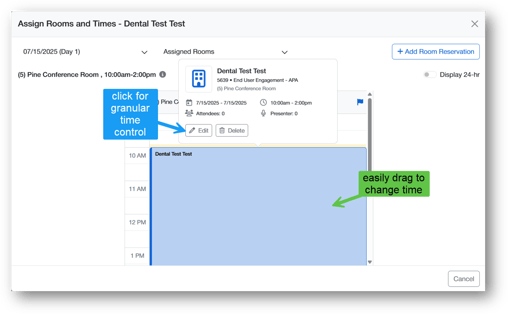
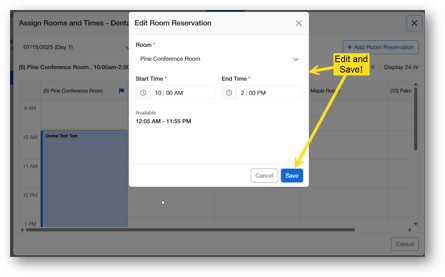
2. Click the edit icon on the Room Assignment, drag the visit to the right time as in image 2 or click to edit the time manually as in the 3rd image.