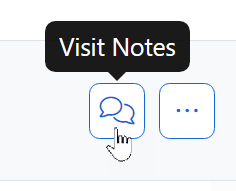
With a visit open, there will always be this conversation icon in the visit heading, on the right side of the screen.
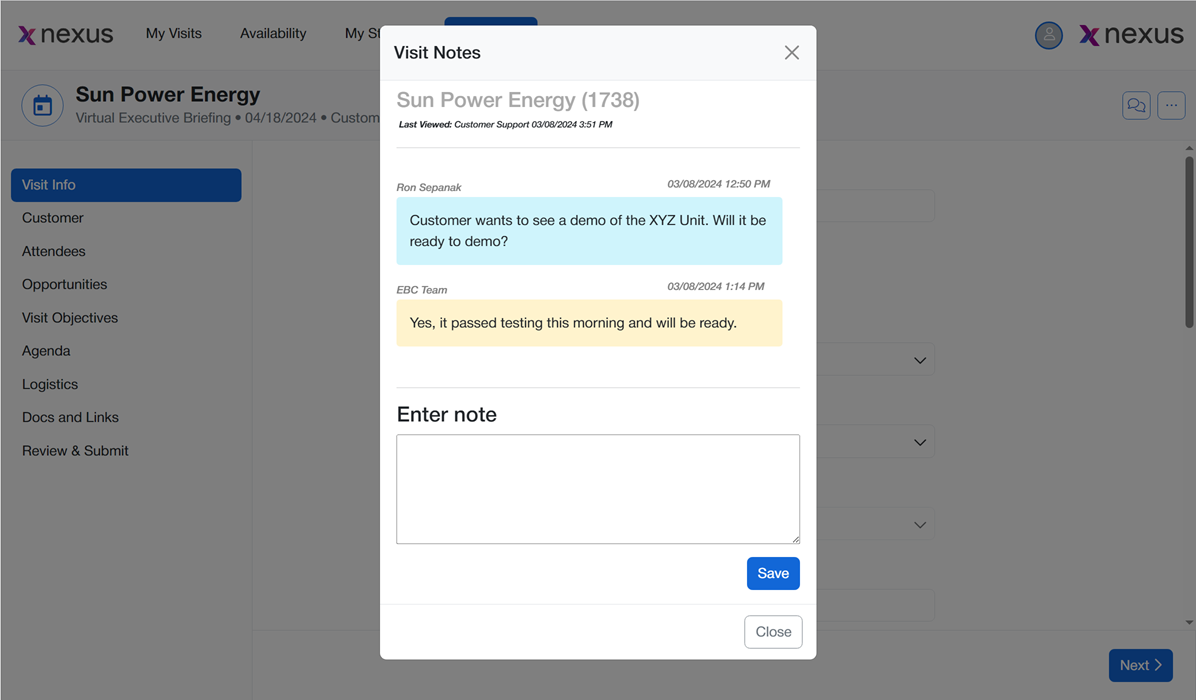
Click the icon to open the notes for this visit. The notes window functions like a simple text message app on your phone. Previous notes appear at the top in chronological order.
To add a note or reply to a previous note, type your message in the bottom field where it says Enter note and click Save.